
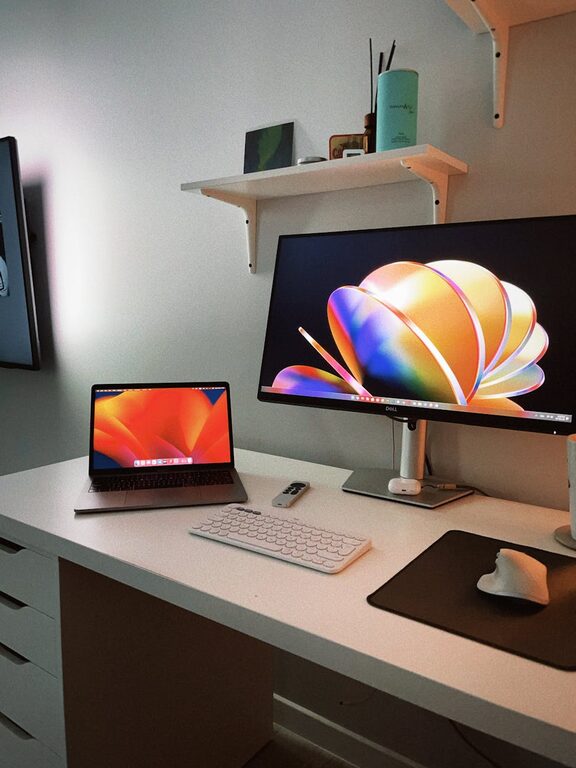
In today’s connected world, our digital lives can quickly become overwhelming. From overflowing email inboxes to cluttered desktops and countless apps, digital clutter can cause stress and reduce our ability to focus. The good news is that you don’t need to be a tech expert to tidy up your digital space. With a few straightforward steps, you can create a cleaner, more organized digital environment and enjoy greater productivity.
Why Decluttering Your Digital Life Matters
Much like tidying a physical space, decluttering your digital life helps clear your mind. It reduces the time spent searching for files or emails, lowers distractions from unnecessary notifications, and creates a sense of control over your technology. Ultimately, this leads to better focus and more efficient use of your time.
Step 1: Clean Up Your Email Inbox
Email is often the biggest source of digital clutter. Here’s how to regain control:
Sort and Delete Unnecessary Emails
– Start by creating folders or labels for key categories.
– Delete promotional emails, old newsletters, and spam.
– Unsubscribe from mailing lists you no longer find useful.
Use Filters and Rules
Set up automatic filters to direct incoming emails into appropriate folders or to mark them as read. This helps prioritize important messages and reduces inbox noise.
Archive or Delete Old Emails
Keep only what you really need. Archive older emails that may be important, and delete the rest to save space.
Step 2: Organize Your Files and Folders
A messy file system can waste precious minutes every day:
Create a Logical Folder Structure
Design folders based on your projects, clients, or categories that make sense to you. Avoid too many nested folders, as this can complicate navigation.
Delete or Archive Unnecessary Files
Remove duplicate files and those you no longer need. For files you want to keep but don’t need immediate access to, consider storing them in an external drive or cloud archive.
Name Files Consistently
Use clear, descriptive file names that make searching easier. Include dates or version numbers if applicable.
Step 3: Declutter Your Desktop
Your computer desktop often becomes a catchall for files and shortcuts. A cluttered desktop can slow your computer and make it harder to find what you need.
– Remove files that don’t belong on the desktop.
– Organize shortcuts into folders if possible.
– Use the desktop only for items you are actively working on.
Step 4: Manage Your Apps and Software
Too many apps can slow down your devices and split your attention.
Uninstall Unused Apps
Regularly review the apps installed on your phone, tablet, and computer. Delete those you no longer use.
Update Important Software
Keep key apps and system software up to date for security and smooth operation.
Limit Notifications
Adjust app notification settings to reduce distractions. Turn off notifications for apps that aren’t time-sensitive.
Step 5: Streamline Your Social Media and Online Accounts
Social media platforms and online services can quickly become overwhelming.
– Unfollow or mute accounts that do not add value or cause stress.
– Review your saved passwords and simplify login methods by using password managers.
– Delete old or unused accounts if possible to reduce your digital footprint.
Step 6: Simplify Your Browser
Browsers often carry digital clutter in the form of tabs, bookmarks, and extensions.
– Close unused tabs regularly.
– Organize bookmarks into folders; delete bookmarks you no longer need.
– Review browser extensions and disable or remove those you don’t use.
Step 7: Schedule Regular Digital Decluttering Sessions
Keeping your digital life organized is not a one-time task. Schedule monthly or quarterly sessions to tidy up your digital space. Set reminders to clean your inbox, review files, and manage apps.
Tips for Maintaining a Clutter-Free Digital Life
– Practice the one-in, one-out rule: For every new file or app added, consider deleting an old one.
– Focus on simplicity: Favor minimal desktop icons and a streamlined app list.
– Backup data regularly: Use cloud storage or external drives to prevent data loss.
—
Decluttering your digital life takes some effort, but the benefits to your productivity and mental clarity are well worth it. Start small by tackling one area at a time, and soon you’ll enjoy a more organized, efficient digital environment that supports your daily tasks and goals.